

What You’ll Learn
- How to encrypt private keys after upgrading to v5.3
- What private key encryption protects
- How the encryption system works
Prerequisites
- MainWP Dashboard version 5.3 or later
- Admin access to your Dashboard
Encrypt Keys After Upgrade
After upgrading to v5.3, a one-time prompt appears to encrypt private keys for existing connections.1
View the notification
After upgrading, look for the encryption notification on your Dashboard.
2
Encrypt keys
Click Encrypt Keys Now to encrypt all existing private keys.
3
Wait for completion
The process runs automatically. New child sites will have their private keys encrypted automatically going forward.
Restore the Notification
If you dismissed the notification, restore it from the Tools page.1
Open Tools
Navigate to MainWP menu (three lines, top right) > MainWP Tools (
/wp-admin/admin.php?page=MainWPTools).2
Restore messages
Click the Restore Info Messages button.
3
Encrypt keys
Click Encrypt Keys Now when the notification reappears.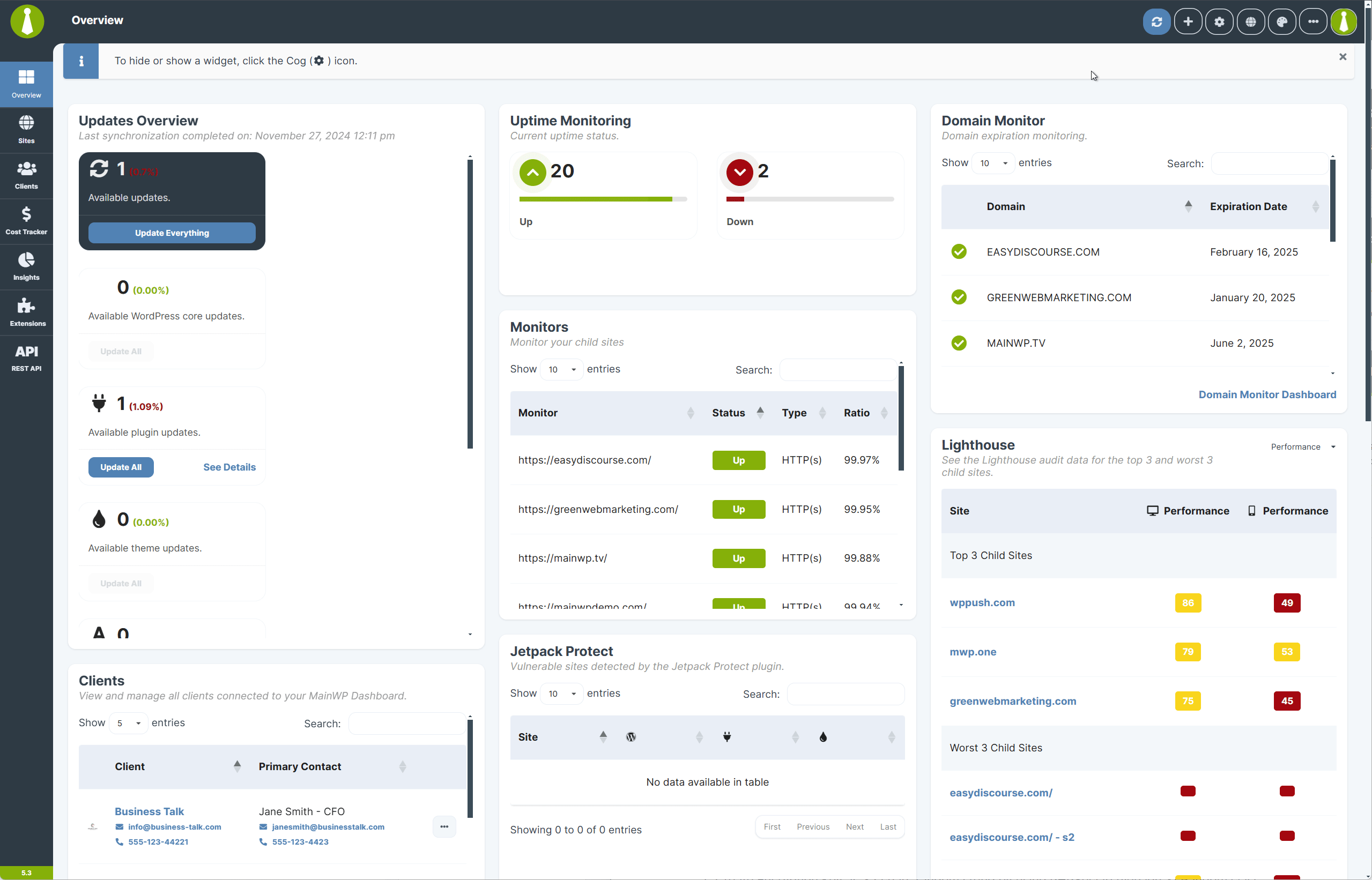
What Private Key Encryption Protects
Private keys sign requests sent from MainWP Dashboard. Corresponding public keys on child sites verify the authenticity of those requests. Encryption at rest helps protect these private keys if someone obtains a copy of the database without the corresponding key files. MainWP uses AES-256-CBC to encrypt site private keys. Third-party API keys use a separate AES-GCM workflow described in API Key Storage.How the Encryption Works
Private-key encryption uses PHPSecLib to encrypt the signing key and keeps the decryption material in a separate key file.
Decrypting an encrypted signing key requires both its database value and the corresponding key file.
Technical Details
AES-256-CBC Encryption
AES-256-CBC encrypts the site’s signing private key with a random 32-byte AES key. This private-key storage workflow does not generate a GCM authentication tag.Initialization Vector (IV)
A fresh 16-byte IV is generated for each encryption operation, along with a new AES key.RSA Key Wrapping
A fresh RSA-2048 key pair protects the AES key and IV. The RSA public key encrypts both values; the corresponding RSA private key is needed to recover them.Key Management
The key file contains the RSA private key and wrapped AES key and IV. It is stored separately from the encrypted signing key in the database. Protect and back up both the database and key files so MainWP Dashboard can continue to decrypt its signing keys.Why This Matters
Request signing authenticates requests from MainWP Dashboard. HTTPS encrypts traffic in transit. Private-key encryption protects the signing keys at rest by keeping their decryption material separate from the database.Self-Check Checklist
- Dashboard upgraded to v5.3 or later
- Encryption notification acknowledged
- Private key encryption completed successfully
- Child site connections working after encryption
Related Resources
- How MainWP Stores API Keys - Encryption for third-party credentials
- How to Find the openssl.cnf File - OpenSSL configuration
- MainWP Security - Security overview