
Grid mode is an experimental feature. It offers fewer site management options than Table mode. If you prefer to keep site URLs out of screenshot requests to WordPress.com, turn off site screenshots.
Prerequisites
- Access to a MainWP Dashboard site
- At least one connected child site
Switch Between Table and Grid View
1
Navigate to Sites > Manage Sites
Open your MainWP Dashboard and go to Sites > Manage Sites.
2
Locate the view toggle icons
At the top right of the sites area, find the Table and Grid icons.
3
Click the desired view icon
Click the Table icon for a table layout or the Grid icon for a card layout. The page reloads in your selected mode.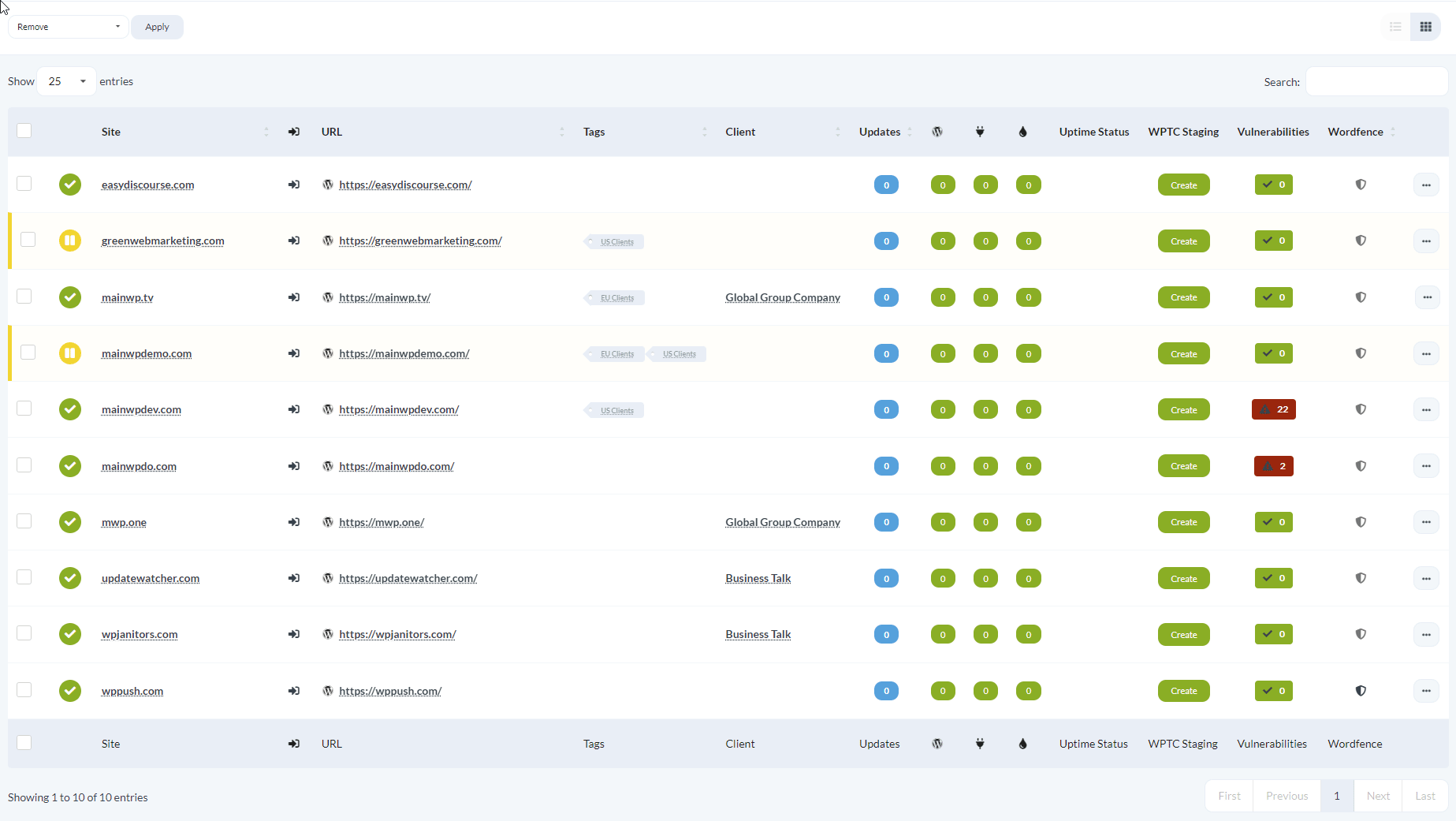
When to Use Each View
- Table mode: Best for sorting, filtering, comparing site details across multiple columns, and accessing the full set of site options
- Grid mode: Best for quick visual scanning when you recognize sites by their appearance