
Dashboard Appearance
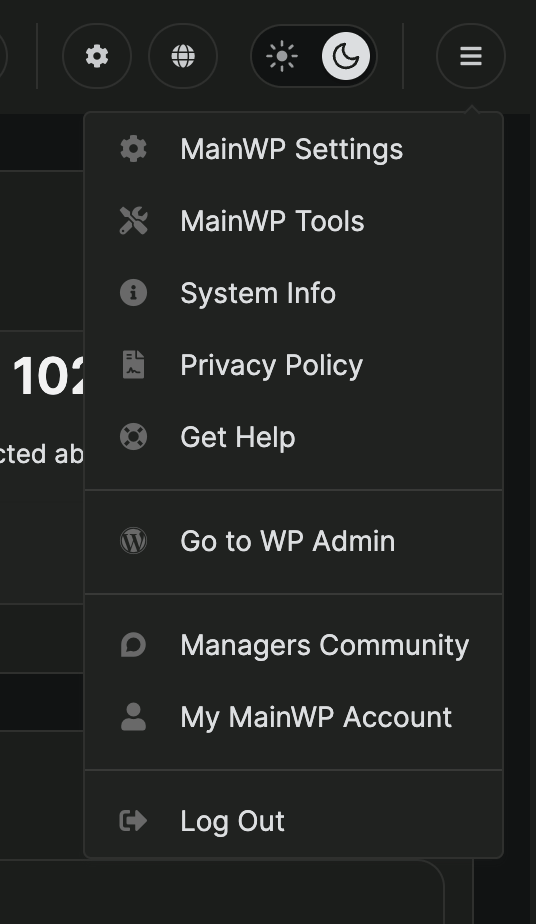
MainWP Dashboard Header Menu
Find the MainWP menu and the appearance controls in the Dashboard header.
In MainWP Dashboard 6.4.1 and later, click the three-line MainWP menu at the top right. It replaces the profile picture or user icon from earlier versions.